
Read the Paper
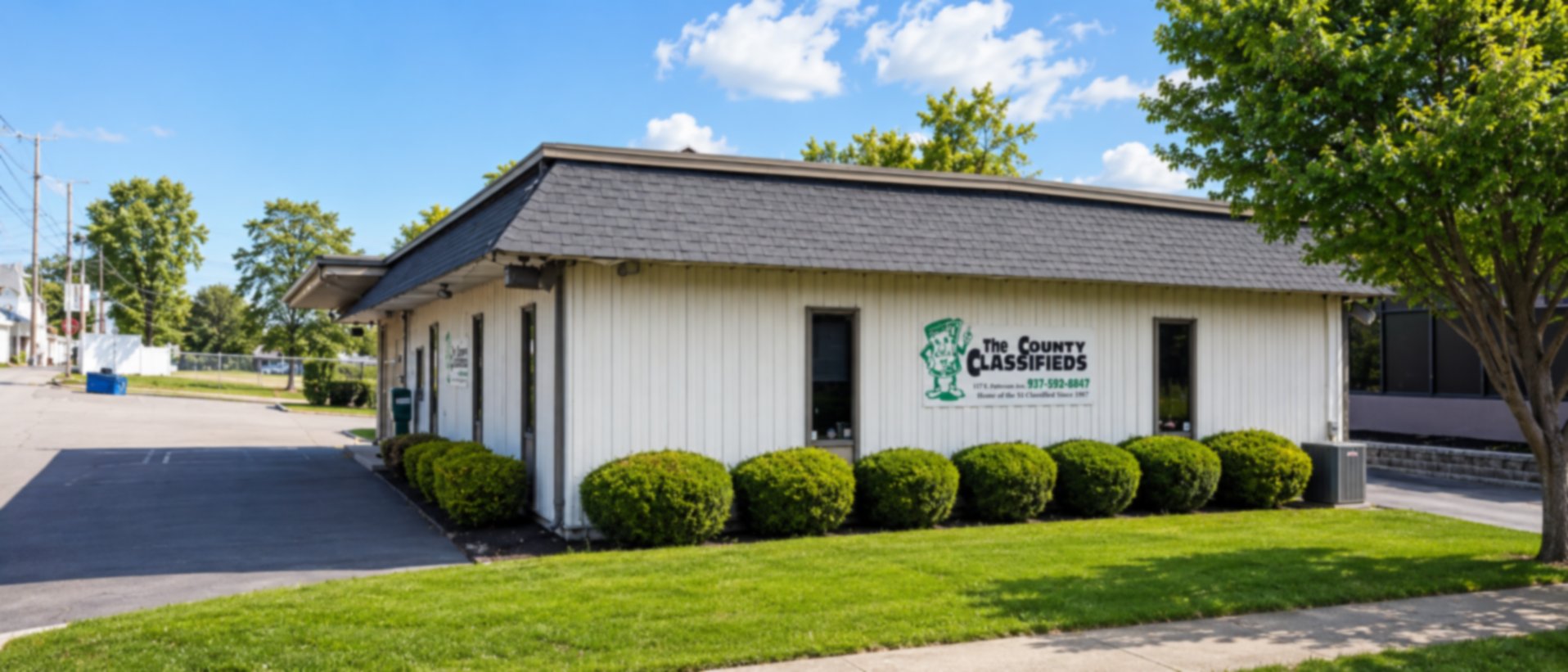
The County Classifieds
Online Issues
We're happy to say that we still are the "Home of the Dollar Ad" since 1987. We invite you to check out our weekly newspaper online.


Search the Paper
How to Search the Classifieds
Once the online paper opens, you can search the PDF just like a web page or document.

Search for a Word
Press Ctrl+F on Windows or Command+F on a Mac, then type what you are looking for, such as "truck," "rent," or a town name.

Look for Highlights
The paper will highlight every place that word appears, so matching classifieds are easier to spot.

Move Through Results
Use the arrows in the search box to jump from one match to the next.